


 Virtastic Write - OpenMW-Web v1.0.1: saves in your folder, smoother rendering, a launcher that explains itself (Read-Only)
 OpenMW-Web v1.0.1: saves in your folder, smoother rendering, a launcher that explains itself
The first update since launch. Disk-backed saves for bring-your-own-data players, a new resolution tier with crisp menus, real guidance in the launcher, and the end of a nasty CDN caching bug.
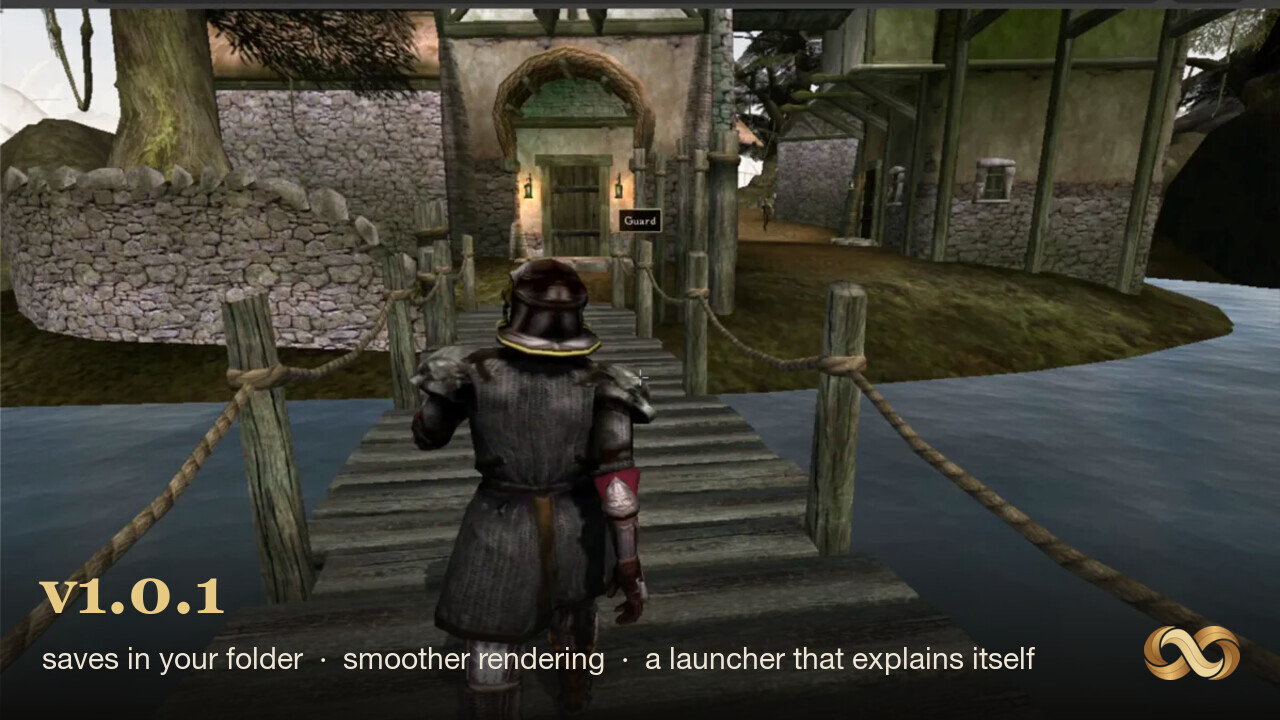
A week after launch, here is the first update. Most of it comes straight from what players reported in the first few days, which is exactly how we hoped this would go.
Play it here, or grab the release from GitHub.
Your saves now live in your folder
The biggest change. If you play with your own Morrowind data, saves are now written to disk right next to your Data Files, instead of into browser storage. Clear your browser, reinstall Chrome, move to another machine and bring the folder along: your saves are ordinary files you can see, back up, and keep. Browser storage was always the wrong place for something players care about this much, and the File System Access API means we never needed it.
Rendering: a new tier, and menus stay crisp
There is a new High (75%) resolution tier between the existing steps, and resolution tiers now scale the 3D scene only. The UI, menus and text render at full native resolution regardless of tier, so turning the resolution down for performance no longer makes the journal blurry. We also fixed render scale interacting badly with post-processing, and cut a pile of redundant per-frame GPU state uploads. None of this changes how the game looks at full resolution; it changes how good the cheaper tiers are.
For the curious, there are new diagnostic flags: ?perfstats overlays frame timings and
?glcount counts GL calls per frame.
The launcher explains itself now
Each launcher card has a question mark that opens a real walkthrough. Where your Data Files actually are, with the Steam and GOG paths spelled out. What Chrome’s folder permission prompt means and which button to press. And if your copy is missing the loose Sound, Music or Video folders, the launcher now warns you about exactly what will be missing and asks for a deliberate “Start anyway”, instead of silently booting a mute game.
Phones get a proper answer too. The engine needs desktop Chrome, Edge or Brave, and on a phone the launcher now says so up front and offers the things that do work there: watch it running, join the Discord, or send yourself the link to open later at a desk.
The bug that could serve you half of one build and half of another
The engineering story of this release. A few players hit a crash at boot that we could not reproduce locally, and the cause turned out to be the CDN. The engine ships as a matched set of files, and our CDN cached them independently: across a redeploy it could serve the loader from one build and the WebAssembly from another, which crashes on a null function the moment they disagree.
Every build now hashes its engine and ships the whole set at its own content-versioned path, so a mismatched pair is impossible by construction rather than unlikely by cache policy. If you ever hit the old crash, it cannot happen again.
What’s next
Something we have wanted to show you since before launch: two players, one world. More on that very soon.
Found a bug, or want to follow along? The Discord is where the work happens, and issues are open on GitHub.
Keywords: OpenMW, release, WebAssembly
Have a desktop app that belongs in the browser? We recompile legacy desktop software to WebAssembly, then maintain and host it. Book a call.
What next: Play OpenMW · More posts · Contact us