


OpenMW-Web v1.1.0: your game follows you, and multiplayer
The biggest update since launch. Upload your copy of Morrowind once and play it on any machine you sign in from, saves included. Plus multiplayer, which Morrowind never had.
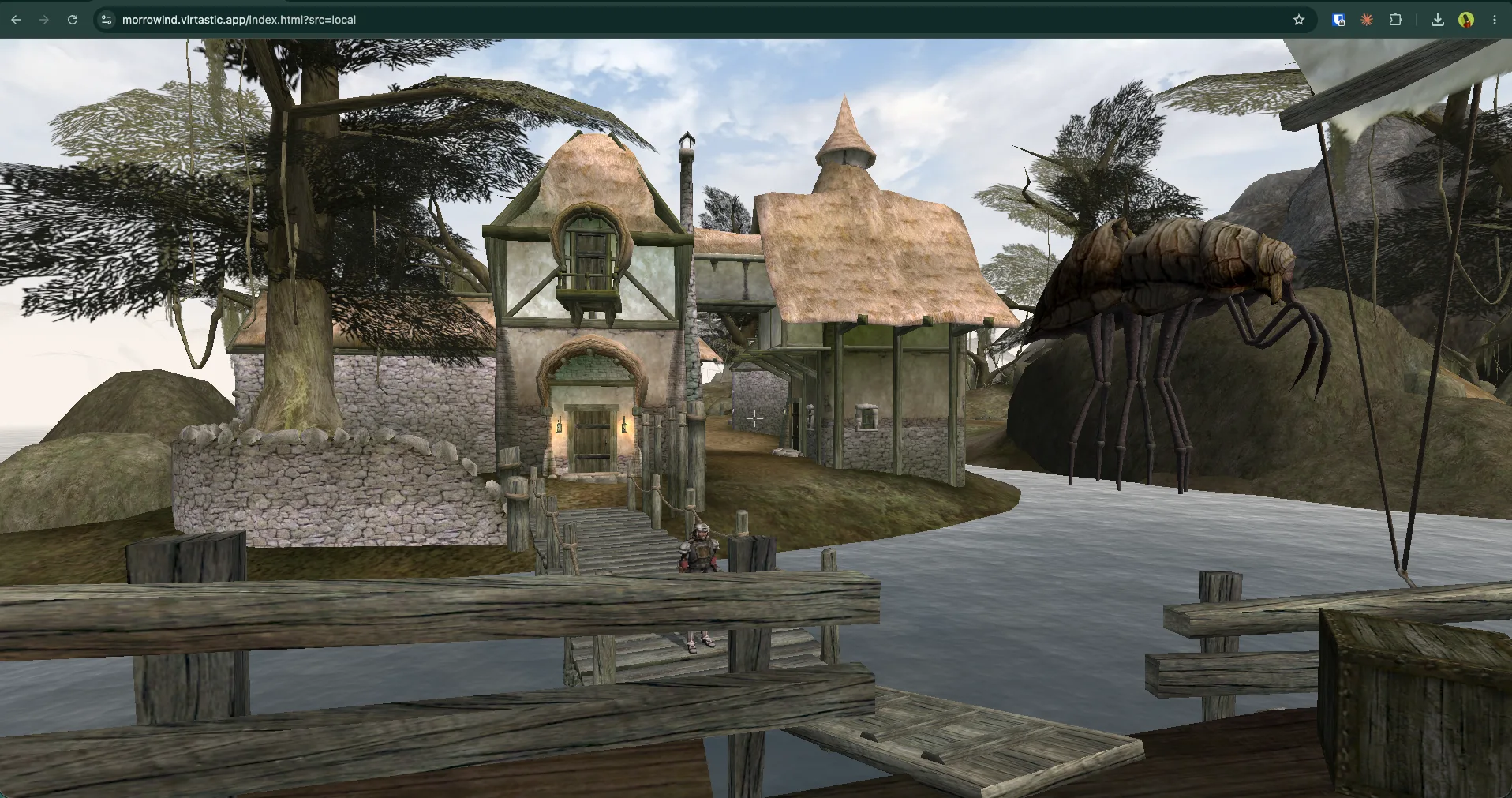
OpenMW-Web runs Morrowind in your browser. Not streamed, not remote-rendered: the engine runs on your own machine. It is free and open source, and you supply your own copy of the game.
Until now it had a limitation worth naming out loud. Your game lived on exactly one computer. Point the browser at your Data Files folder on a desktop and that is where your Morrowind was. Open the same site on a laptop and you started over.
v1.1.0 fixes that, and adds two more things besides.
Play it here, or grab the release from GitHub.
 ▶ Play video on YouTube
Your game follows you
Sign in, upload your copy of Morrowind once, and it is there on every machine you sign in from. No copying folders between computers, no USB key, no setting it up twice.
Your files stay private to your account. They are never shared with another player, never pooled with anyone else’s, and only ever streamed back to you.
This one came from a stranger, and it is a better idea than the one we had queued. Someone left a comment on a poll in the repo asking whether the save files could be moved into the data folder, so a USB key could carry the same game between machines. That is the whole feature. We built it without needing the USB key.
Your saves follow you too
Saves now live on the server and follow your account rather than sitting in one browser profile. Start a character on your desktop, carry on with it on a laptop. Clearing your browser no longer takes your character with it.
Seamless multiplayer
Three ways to play, and you move between them from inside the game. Solo is your own world with nobody else in it. Party puts your group in one world together. Public is the shared hub, with strangers in it. Switching takes your character with you and does not restart the game.
Friends, chat and voice chat sit on top of that. Morrowind never had any of this, so none of it is a port of someone else’s work.
It is the young part of this release. It works, and it is opt-in rather than sitting on the front page while it settles. If you want to try it and tell us what breaks, that is genuinely the most useful thing you can do with it right now.
A front page that gets out of the way
The launcher was rebuilt around all of the above. Every way into the game is one click from the front page: the free demo world, your own Data Files folder, or your uploaded copy. No wall of instructions.
If you would rather not sign in to anything, nothing has changed. Point the browser at your own folder and it plays straight off your disk, mods included.
For people running their own server
Servers can now host the game data themselves, so players connecting to them do not have to supply their own copy. That is a self-hosting feature rather than something this site does, and the reason is simple: the copy has to belong to whoever is serving it.
Running your own instance needs an OAuth app, your own game data, and about half an hour. The step-by-step is in the repo.
And a lot you will never see
There was a long security pass in this release, most of it found by attacking our own running server rather than reading the code. A login rate limit that had quietly collapsed into a single global bucket. A private world that could come back from being idle with nobody recorded as its owner, which let any signed-in account walk into it.
All of it is written up in the changelog rather than quietly patched. We would rather you know how this is built.
Try it
The demo world needs no account and no copy of the game: play it here.
Everything is GPLv3 at github.com/Virtastic/openmw-web. No Bethesda assets ship, and none ever will. You bring your own copy.
Keywords: OpenMW, release, WebAssembly, multiplayer
Have a desktop app that belongs in the browser? We recompile legacy desktop software to WebAssembly, then maintain and host it. Book a call.
What next: Play OpenMW · More posts · Contact us